
This Figma Plugin Lets Designers Vibe Design
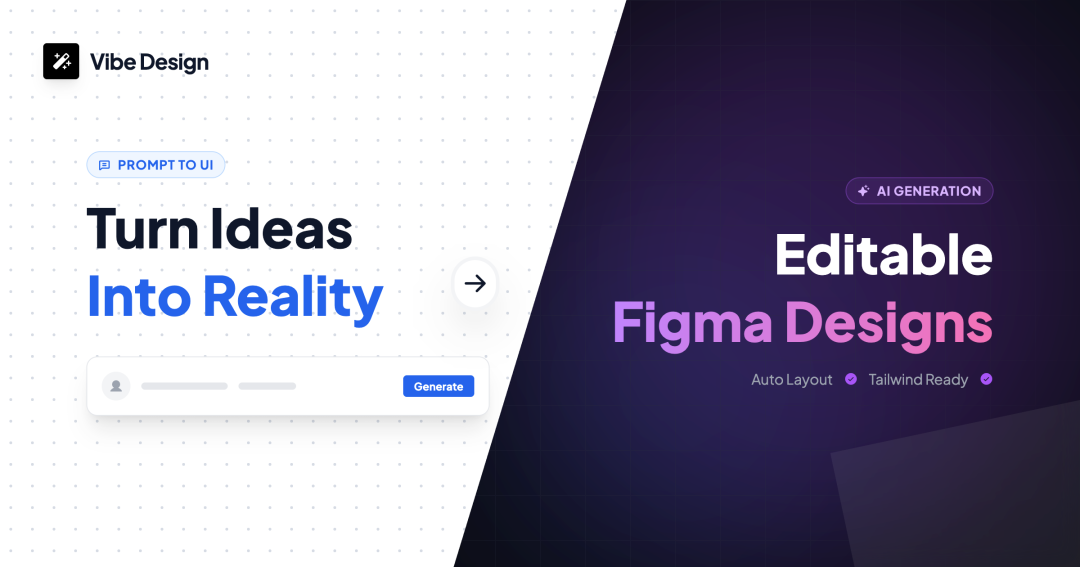
Hey everyone, I'm Xiao Ma.
Today I want to talk about a product that's been getting me really excited lately — Vibe Design.
Let me set the scene first.
Last year, AI-powered coding took off in a big way. Everyone was saying "write great prompts, get great code." A lot of developer friends around me were using Cursor and Claude, shipping functional web apps in just three days. What used to take a full week of grinding could now be done in a few days.
That got me thinking —
What about designers?
Have you noticed that this wave of AI has been a huge win for developers? But designers are still pulling late nights, still revising drafts over and over. The client says "something feels off," and you're back to tweaking version after version. Sure, AI image tools can generate visuals, but what you get is what you get — there's no way to edit them.
I kept asking myself: is there a way for designers to generate designs using natural language, just like writing code?
After thinking about it for a long time, I built this product myself — Vibe Design, a Figma plugin.
So what can it do? Let me walk you through three scenarios and see if any of them hit home.
Scenario one: You're in Figma, and you describe the design you want in plain language. Something like "Give me a tech-style landing page with a navbar at the top, a big hero banner in the middle, and three feature cards below." It generates the design right inside Figma — with fully editable layers. If something doesn't look right, just tweak it.
Check out the demo video below:
Scenario two: You have HTML code and want to turn it directly into a design. Just paste it in — it especially supports Tailwind CSS, which is super AI-friendly. No more staring at code and imagining the layout. You see the actual design.
Check out the demo video below:
Scenario three: You see a beautifully designed website and want to take inspiration from it. No screenshots, no tracing — just paste the URL, and it turns that website into a Figma design file. Capturing inspiration in minutes.
Check out the demo video below:
The bottom line is: it's not here to replace designers. It's here to make the leap from "idea to first draft" incredibly fast.
Before, when a new requirement came in, a designer might spend half a day on the initial draft. Now? Describe it clearly, and it's ready in seconds. Then you refine it. Client wants changes? You adjust on the fly.
My favorite part — it's fully editable.
AI image tools generate things you can't modify. But Vibe Design produces standard Figma layers that you can edit however you want. Not happy with it? Have AI generate another version. Happy with it? Hand it off to the client or export it for developers.
Now let's talk about pricing — I know you're curious.
It's not a subscription model. It's credit-based. You get 10 credits when you sign up, plus 5 more every day you check in. Plenty to play around with. No tricks — you only pay for what you use.
After all that, I really just want to ask one thing —
Does the endless cycle of designing and revising drive you crazy?
If it does, give this plugin a try. The website is: https://vibe2design.com/, or feel free to reach out to me directly.
I hope it genuinely saves you some time so you can focus your energy on what truly matters.
That's all for today. If you have any questions, don't hesitate to reach out.